
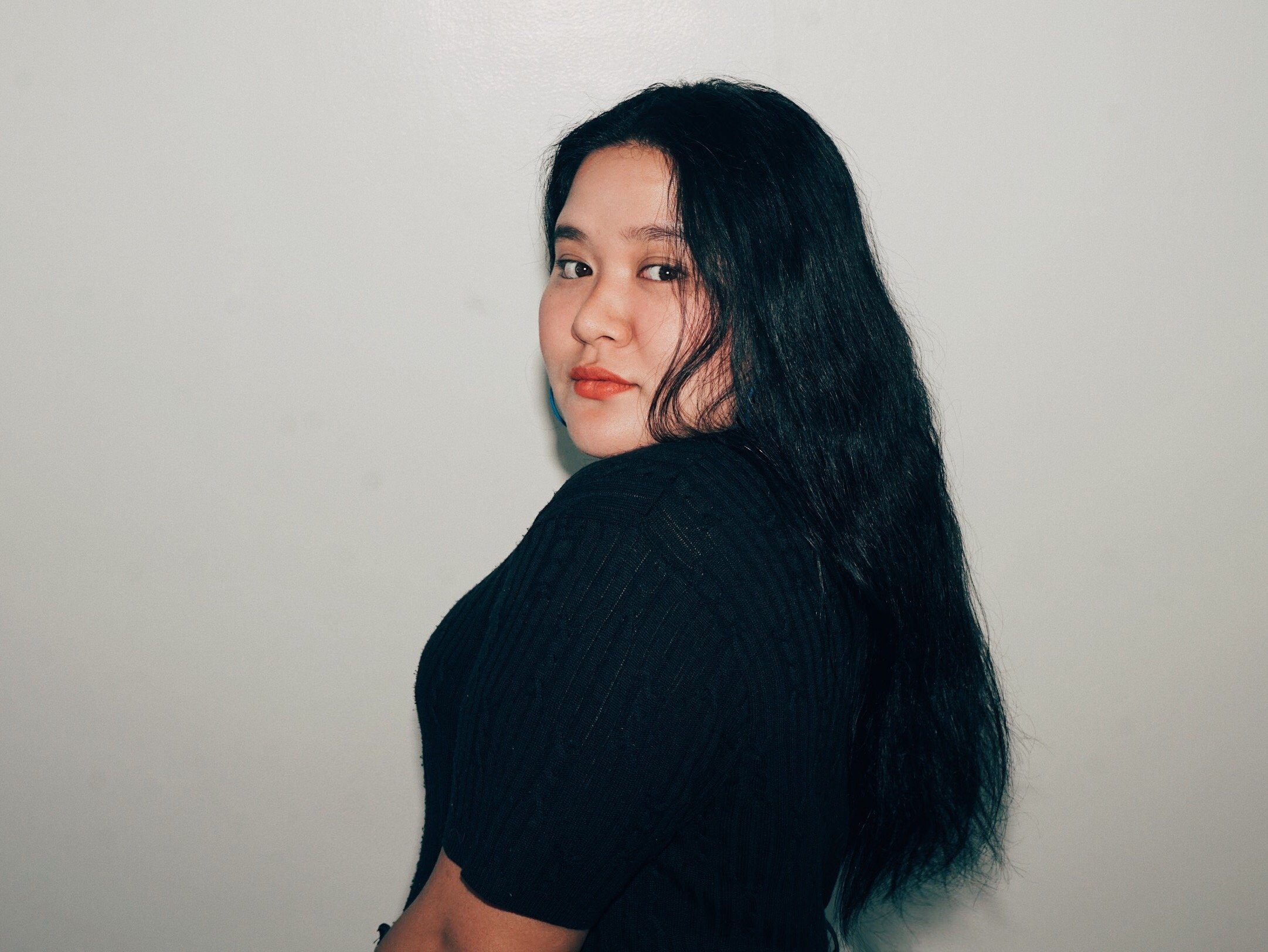
Got a new killer headshot that would be perfect for your profile photo? It's easy to change!
Just go to your Dashboard > My Profile > edit Profile Photo > choose a new image.
Please make sure that the photo to be uploaded is:
A jpeg, or png file.
No more than 5MB in size.
A high quality photo - no logos or branding.
Don't forget: this is the first thing a client sees when they're browsing through talent. So put your best foot forward!